The connected platform

Your digital lot

Your brand up front. Your inventory behind it.

Give shoppers a clear path from browsing your lot to asking about the right unit, with a dealer website built around your published inventory.

Dealer website · Inventory
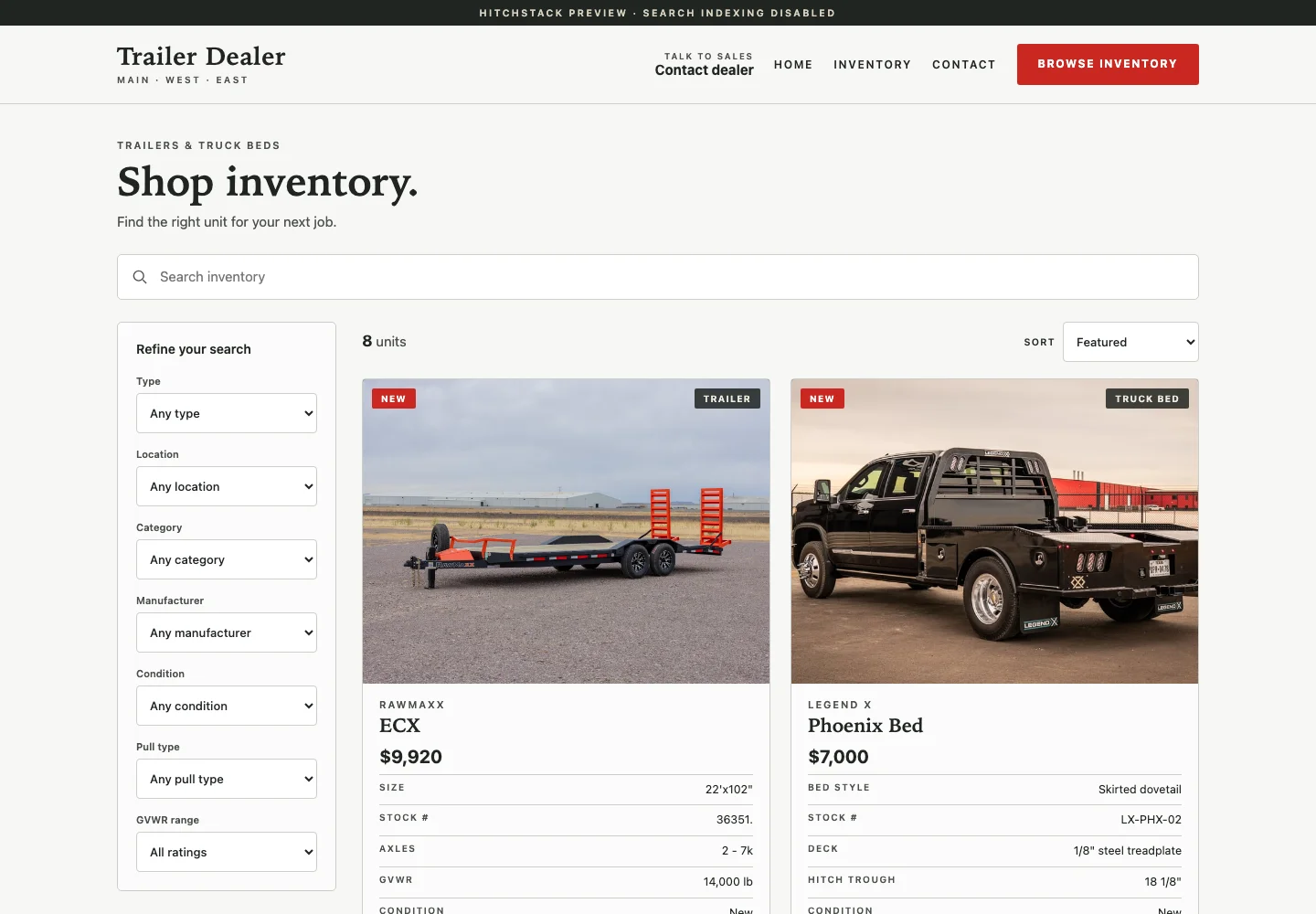
A dealer storefront inventory page built on the HitchStack Foundry foundation, with search, filters for type, location and manufacturer, and trailer listing cards using generic Trailer Dealer demo content.
Product interface preview · Illustrative data · Sept 24, 2026 demo capture
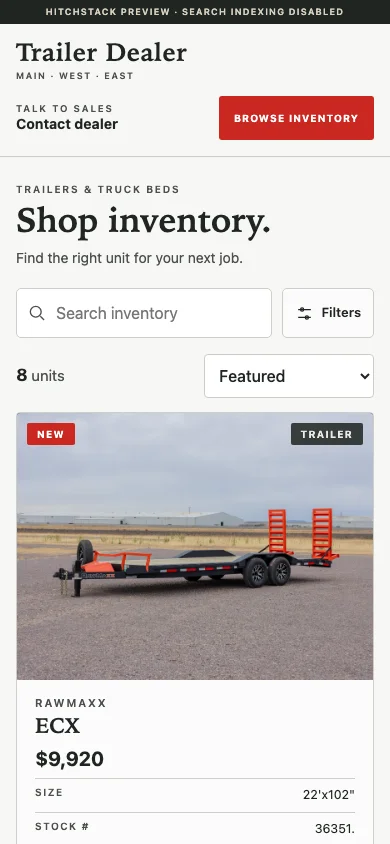
The storefront inventory page at phone width with search, a filters button and a trailer listing card, using illustrative demo content.
Product interface preview · Illustrative data · Sept 24, 2026 demo capture

Built into the workflow

  1. 01

    Make inventory easy to browse.

    Let shoppers search and filter published stock by type, location, manufacturer and more, then open the unit for the details they need.

  2. 02

    Give every unit a useful page.

    Present photos, specifications, pricing where configured, location details and a direct inquiry path for that exact unit.

  3. 03

    Carry the question into the sales process.

    Keep the customer’s inquiry and the unit they asked about together, so your team picks it up with context.

The unit page

A page that answers the buyer’s questions and asks for theirs.

Photos, key specs, price and the lot where the unit sits, with an inquiry form for this exact unit. On a phone, the call and inquiry actions stay within reach.

  • Gallery, specs and price on one page
  • Inquiry tied to the stock number
  • Call and ask actions at phone width
Dealer website · Unit page
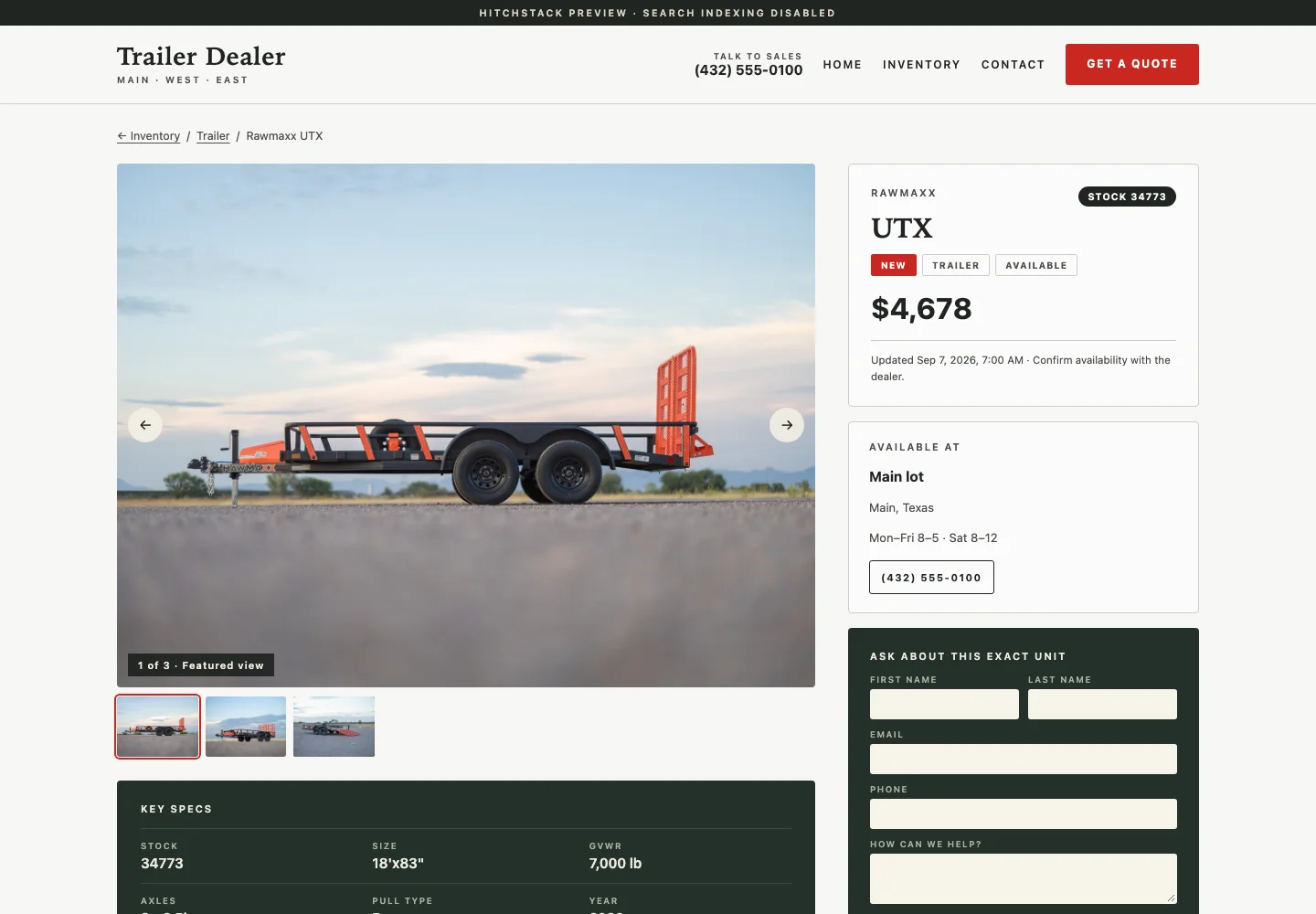
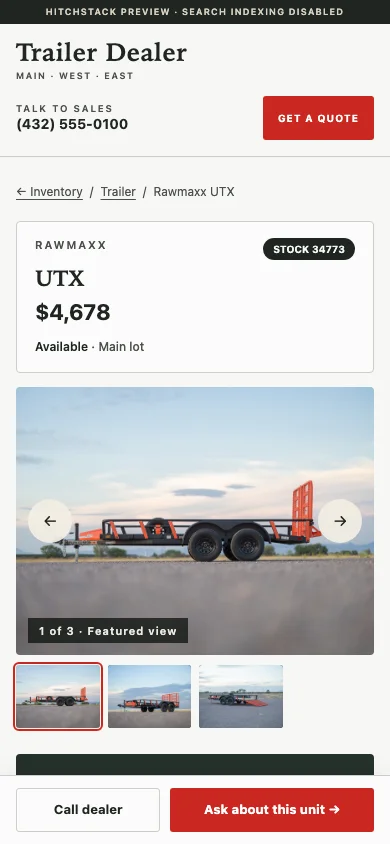
A public unit page on the storefront showing a photo gallery, key specs, price, location details and an inquiry form for this exact unit, using illustrative demo content.
The public unit page at phone width with the unit summary, photo gallery and sticky Call dealer and Ask about this unit buttons.

Product interface previews · Generic dealer demo · Real product photos · Illustrative inventory, pricing and locations · Sept 24, 2026 demo captures

The homepage

Start with what you sell, where you are and what to do next.

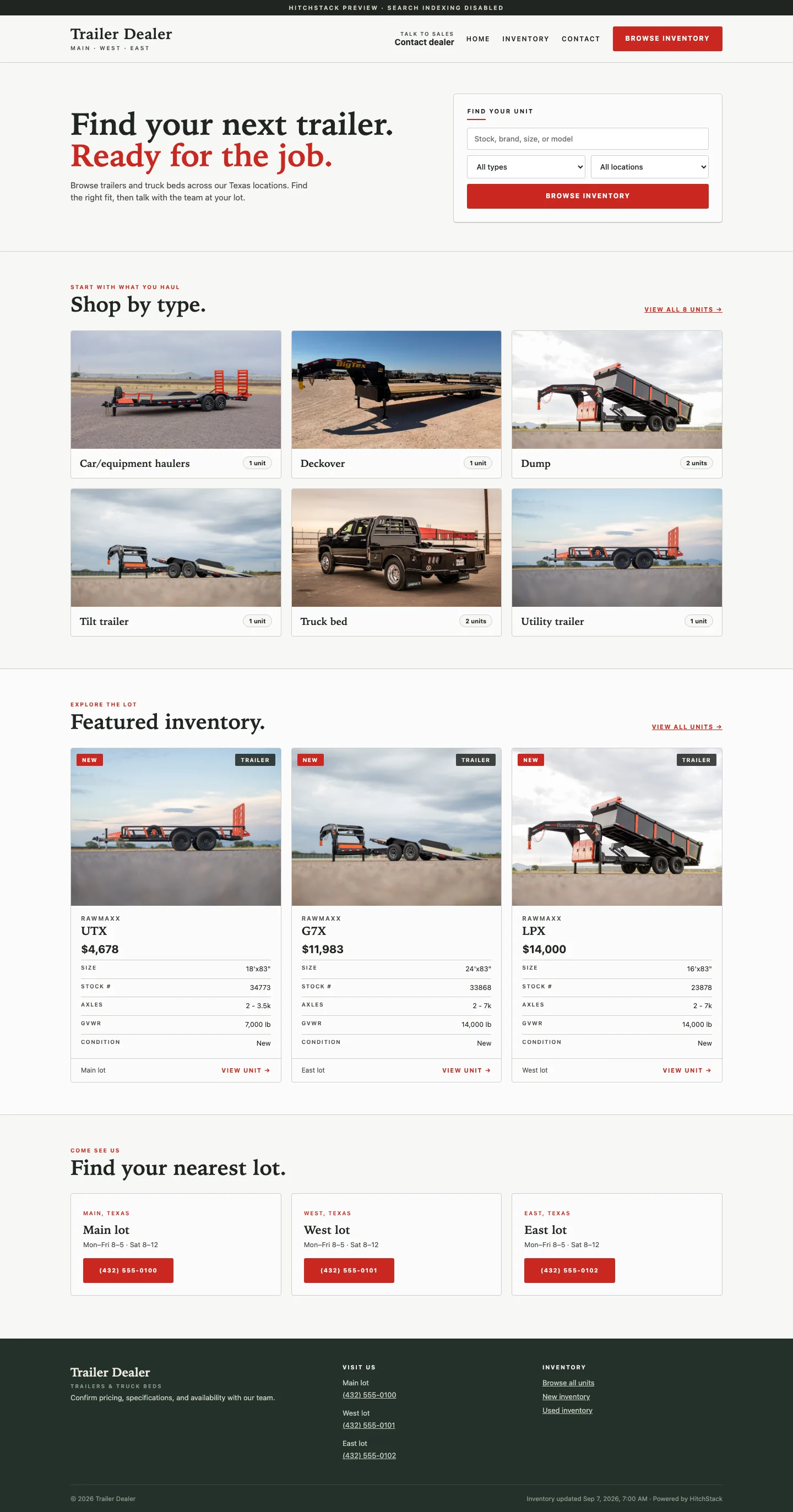
The Foundry homepage foundation leads with a find-your-unit search, shop-by-type tiles, featured inventory and location cards. Your branding, content and locations replace the reference content during your website project.

Use Enlarge to see the full-length page.

Dealer website · Homepage
A full-length dealer website homepage on the Foundry foundation with a find-your-unit search panel, shop-by-type tiles, featured inventory and location cards, using illustrative demo content.
Product interface preview · Illustrative data · Sept 24, 2026 demo capture

Where it connects

Your website starts the conversation. Your team picks it up with the right context.

An inquiry from a unit page arrives in CRM with the customer’s question and the unit attached, ready for a salesperson to own. Published listings come from the inventory your team has approved.

Beyond the standard storefront

Need a website built around a more specific business model?

Some dealerships and equipment businesses need product catalogs, service and installation pages, quote-request flows or dealer resources that go past the standard storefront. HitchStack builds those as custom projects.

Explore custom website builds

What to expect

Branding, content, domain setup and launch are part of the dealer’s website project; public domain activation happens at your launch.

The screens on this page show the implemented Foundry storefront foundation with generic Trailer Dealer branding and real product photography. Units, prices and locations are illustrative, and the demo is not a customer endorsement.

Talk to HitchStack

Let’s talk about the way your dealership works.

Walk through your inventory, website and sales process, or bring us the workflow you want to improve.